Updating a User Profile and Smart Web Password
An end user can update their own user profile. User profile information consists of the user name, time zone, and Smart Web login password. The user’s messaging ID displays in the user profile information, but it cannot be changed.
1. The user information displays in the profile details box in the upper right corner of the screen.
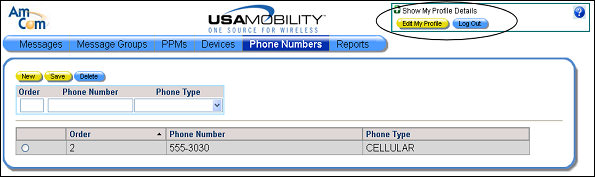
2. Click the green plus sign in the profile details box in the screen to display the user information.
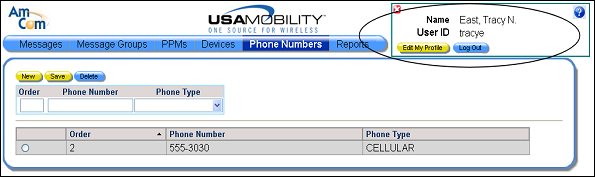
3. Click the Edit My Profile button. The profile screen displays.
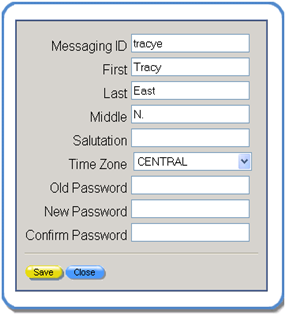
4. The user’s name can be changed in the First, Last, and Middle fields.
5. The salutation, such as Mr. or Dr., can be updated in the Salutation field.
6. The time zone can be updated by choosing a different time zone option from the Time Zone list box.
7. A user can also change the Smart Web login password.
a. Enter the current password in the Old Password field.
b. Enter the new password in the New Password field.
c. Confirm the new password by entering the same password in the Confirm Password field.
8. Click the Save button to save the changes.