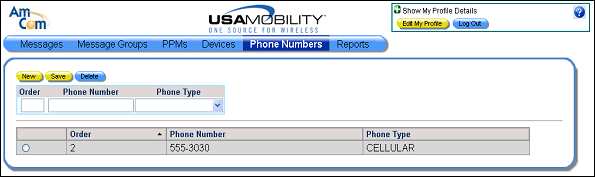
Removing a Phone Number
A phone number can be removed from the list of user’s phone numbers.
1. Select the Phone Numbers option from the menu bar. The Phone Numbers screen displays.
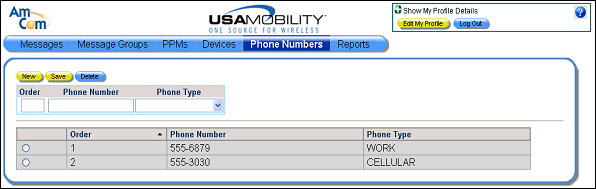
2. From the list of phone numbers displayed, click on the radio button for the phone number that should be deleted. Only one phone number can be selected at a time. The information about the selected phone number displays in the phone number fields.
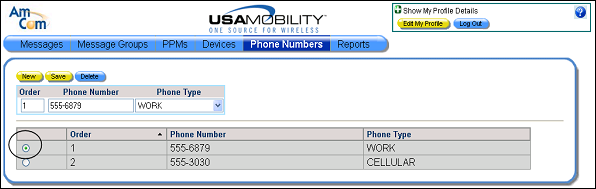
3. Click the Delete button to delete the selected phone number. A message displays.
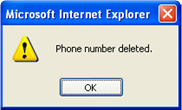
4. Click the OK button to close the message and refresh the screen.