Updating a Message Group
The message group name and any comments or notes about the group can be updated. Members can also be added or removed as needed.
1. Select the Message Groups option from the menu bar. The Message Groups screen displays.
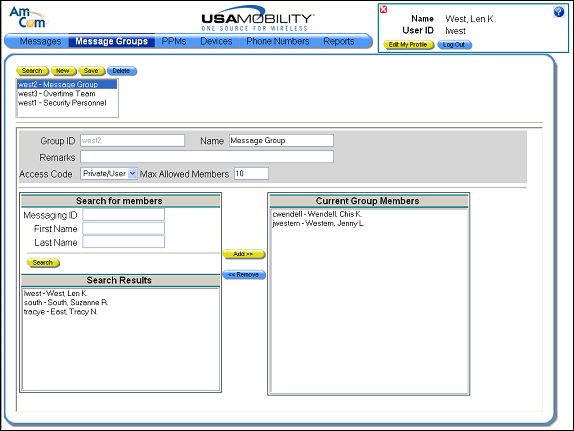
2. In the selection window, select the message group that you want to update. Information about the selected group displays in the screen.
· The message group name in the Name field can be changed.
· The comments or notes in the Remarks field can be updated.
· New members can be added by selecting a member name in the Search Results window then clicking the Add button.
· Members can be removed by selecting a member from the Current Group Members window and clicking the Remove button.
3. When changes are complete, click the Save button. A message displays.
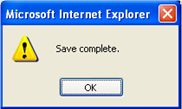
4. Click the OK button to close the message and update the message group changes. The message group screen is refreshed and the updated message group displays.