Deleting a Message Group
A message group can be deleted at any time.
1. Select the Message Groups option from the menu bar. The Message Groups screen displays.
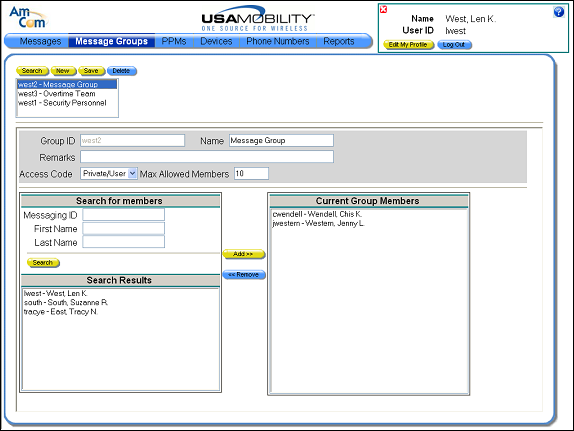
2. From the selection window, select the message group that you want to delete. Information about the selected message group displays in the screen.
3. Click the Delete button. A message displays.
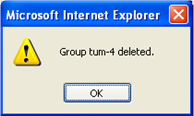
4. Click the OK button to close the message and delete the message group. The screen is updated.