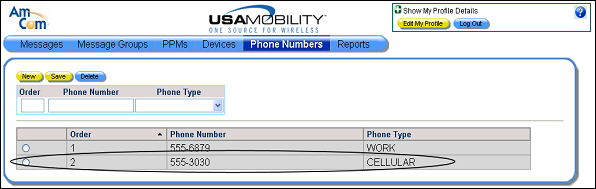
Adding a New Phone Number
The phone numbers can be ordered using an order number. The order number determines the order in which the phone numbers are displayed in the screen.
1. Select the Phone Numbers option from the menu bar. The Phone Numbers screen displays.
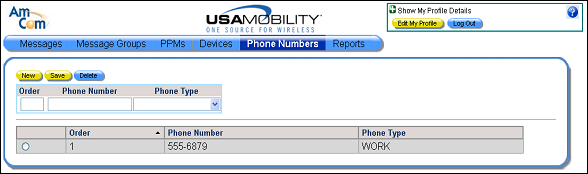
2. In the Order field, enter an order number for the phone number. The order number determines the order in which the phone numbers are displayed in the screen. Entering an order number is optional. Order numbers do not have to be unique. Phone numbers without order numbers display at the top of the list in the ordered they were created.
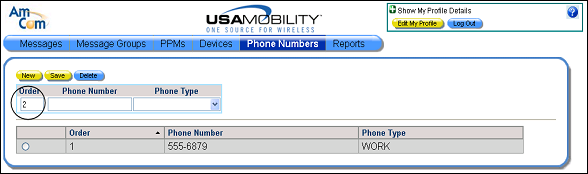
3. Enter the phone number in the Phone Number field.
4. From the Phone Type list box, select a description of the phone type.
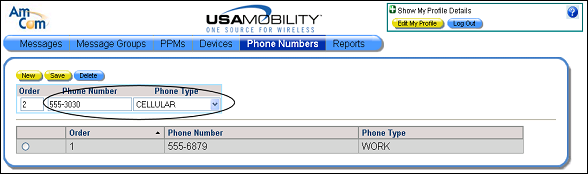
5. Click the Save button to save the new phone number. A saved message displays.

6. Click the OK button to close the message and refresh the screen. The new phone information is included in the list of phones.