Removing a Device
A device can be removed from the list of devices if it is no longer needed.
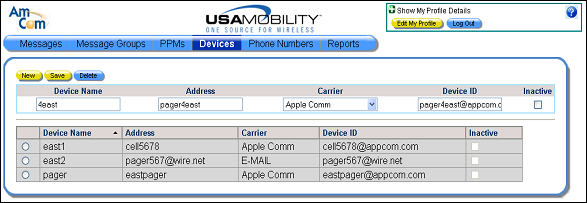
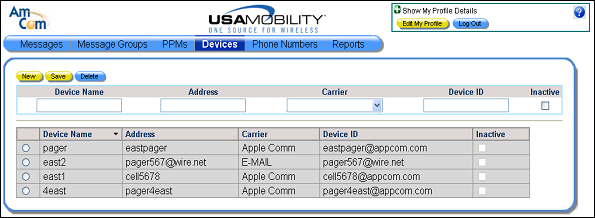
1. Select the Devices option from the menu bar. The Devices screen displays.
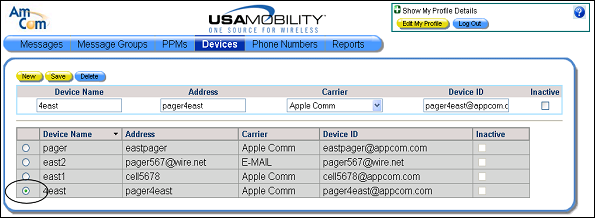
2. Click in the radio button in the row for the device that should be deleted. Only one device can be selected at a time. Information for the selected device displays in the device information fields.
3. Click the Delete button. A warning message displays, showing the device ID for the device that will be deleted.
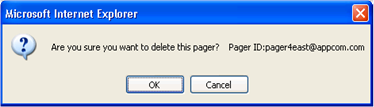
4. Click the OK button to confirm that selected device should be deleted. The device screen is updated and the device is removed from the list of devices.