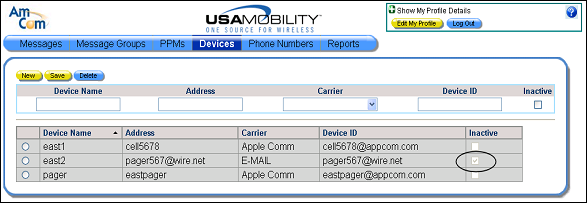
Making a Device Inactive
A device can be made inactive if it cannot be used to send or receive messages. However, a user must have at least one active device. The system does not allow a user to have only inactive devices.
1. Select the Devices option from the menu bar. The Devices screen displays.
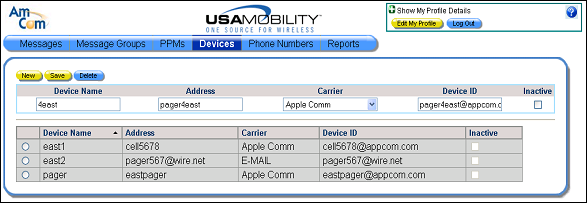
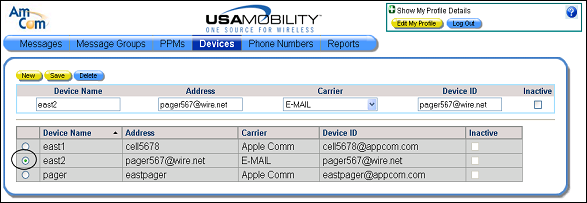
2. Click the radio button next to the device that should be inactive. The information about the selected device displays in the device information fields.
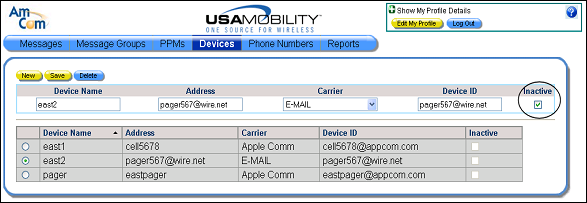
3. In the device information fields, click the Inactive option for the selected device. A check mark displays in the option when the device is inactive.
4. Click the Save button to save the change. The Inactive option is selected for the device in the list of devices.