Creating a User PPM
The PPMs created by a user can be viewed and updated only by that same user.
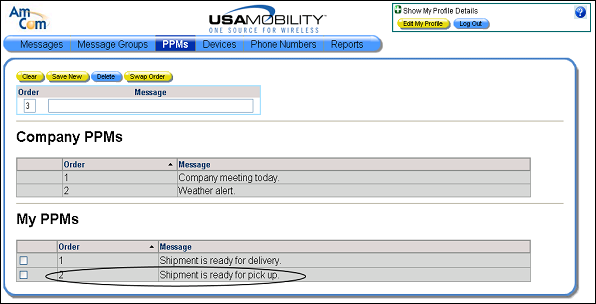
1. Select the PPMs option from the menu bar. The PPM screen displays. The company PPMs and user PPMs display in separate sections in the screen.

2. An order number for the user PPM can be specified in the Order field. Specifying an order number is required. The order number must be unique within the list of user PPMs.
3. In the Message field, enter the message.
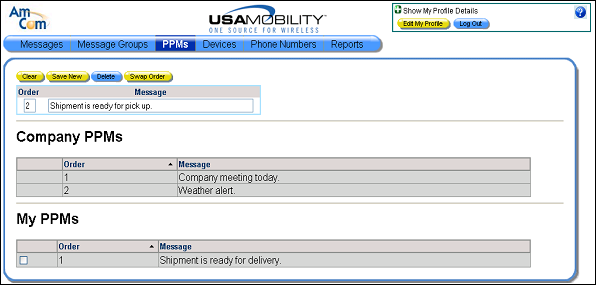
4. Click the Save New button. The new user PPM is added to the User PPM section in the screen.