Changing the Order of the PPMs
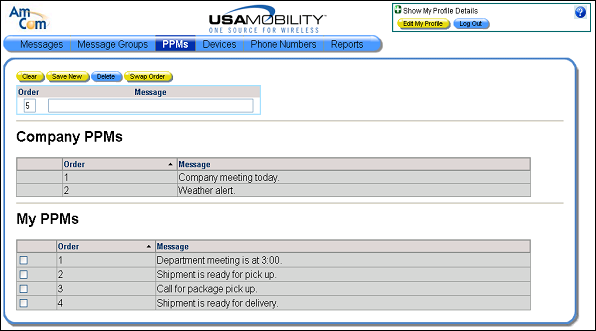
The order of the PPMs in the list determines the order in which they display when creating messages. The user PPMs can be re-ordered in the PPM screen by swapping the order of two PPMs.
1. Select the PPMs option from the menu bar. The PPM screen displays.

2. Click in the selection boxes for the two PPMs you want to re-order. Only two can be selected.
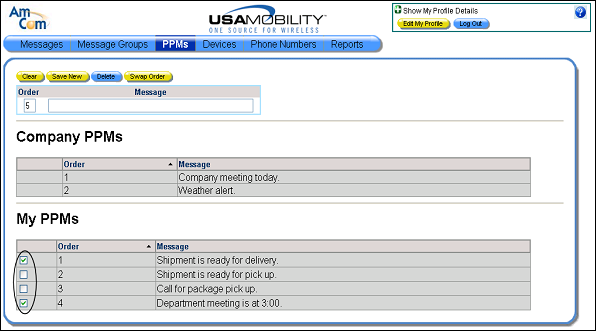
3. Click the Swap Order button. The order of the two selected PPMs is swapped.