Viewing Sent Messages
Messages that were previously sent by this user can be viewed in the Sent screen.
1. Select the Sent option from the Messages option in the menu bar. The Sent screen displays a list of sent messages.
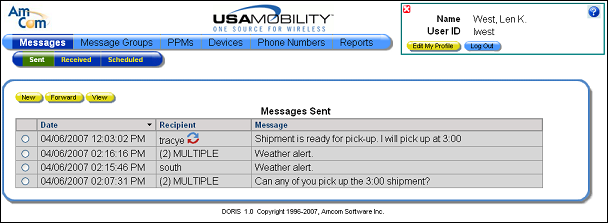
2. The Recipient column includes information about who the message was sent to and whether a reply has been received.
·
The  symbol is used to show that a message
recipient has replied to the message.
symbol is used to show that a message
recipient has replied to the message.
· If the message was sent to only one recipient, the recipient’s messaging ID displays.
· If the message was sent to more than one recipient, the word MULTIPLE displays with the total number of recipient in parentheses. For example, “(2) MULTIPLE” means that the message was sent to two people.
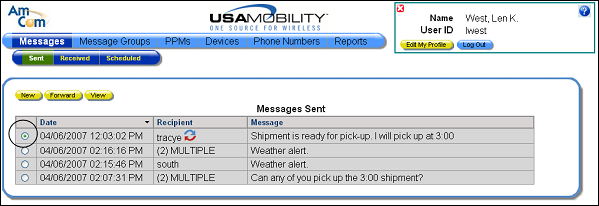
3. Click the radio button for the message that you want to view.
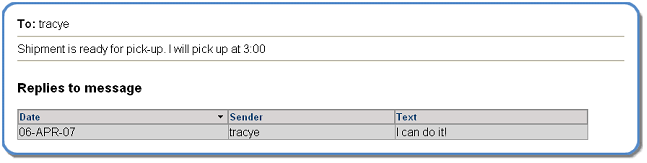
4. Click the View button. The selected message displays. Any replies to the message are included. Click the X button to close the message screen.