Viewing Received Messages
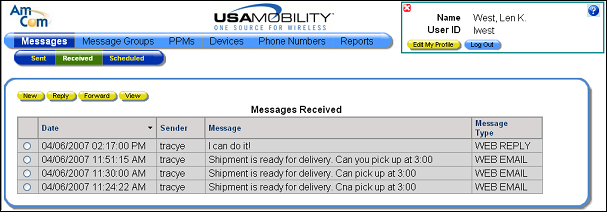
Messages that were received by this user can be viewed in the Received screen.
1. Select the Received option from the Messages option in the menu bar. The Received screen displays a list of received messages.
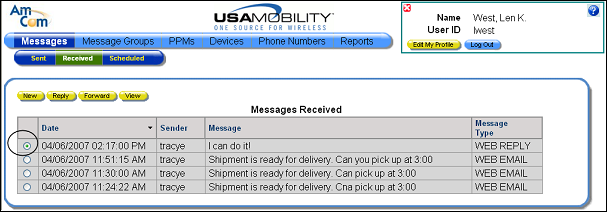
2. Click the radio button for the message that you want to view.
3. Click the View button. The selected message displays. Click the X button to close the message screen.
