Logging into Smart Web
Smart Web can be accessed through a web browser using your organization’s Smart Web URL.
1. Open a browser window.
2. Enter your organization’s Smart Web URL.
3. Press the Go button in the browser or press <Enter>.
4. The Smart Web login screen displays.
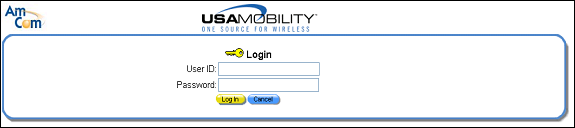
5. Enter your user name and password in the User ID and Password fields.
6. Click the Login button to log in to Smart Web.