Deleting a Scheduled Message
Scheduled messages can be deleted.
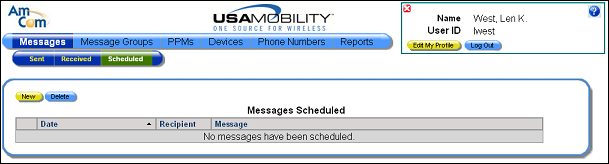
1. Select the Scheduled option from the Messages option in the menu bar. The Scheduled screen displays a list of scheduled messages.
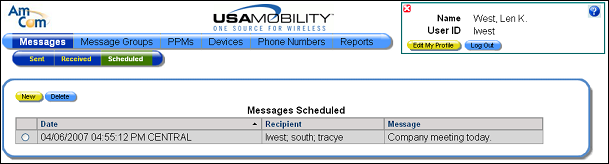
2. Click the radio button for the message that you want to delete. Only one message can be deleted at a time.
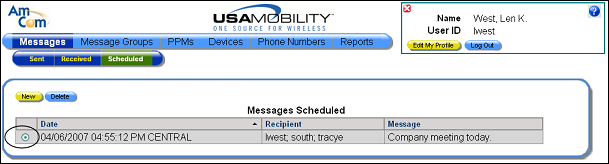
3. Click the Delete button. A warning message displays.
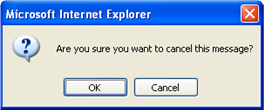
4. Click the OK button to close the message and delete the selected message from the list. The screen is refreshed.